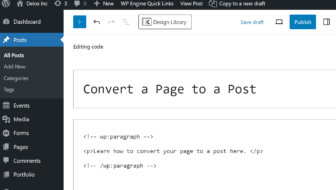
Have you found that you created a page that should actually be a post? Or maybe you created a post that needs to be a page. There is a quick way that you can change a page to a post and vice versa.
Edit Your Page
In your block editor, you'll ...
[Read more]
WordPress Tips
Adding a Quote Block to Call Attention
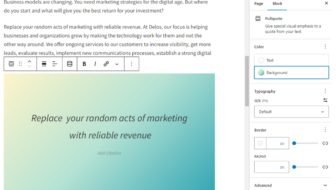
One of the goals when writing for a web page is to make the content skimmable. Using bullets and callouts are some ways to do this. You may want to call out a customer testimonial, positive review, or important takeaways you want your audience to ...
[Read more]
Adding WordPress Menu Items

One of the common questions we get asked about using WordPress has to do with adding new menu options. Here is how you do it.
Adding a Page
You’ve created a new page and now you want to add it to your WordPress menu. Just follow these steps to ...
[Read more]
Use Headings to get Found in Search
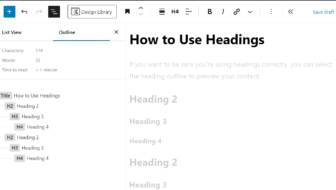
Do customers find you on the web? One way to improve visibility is to structure your WordPress pages and posts using heading elements.
Search engines look for Heading tags like Heading 1, Heading 2, and Heading 3, and use them to better ...
[Read more]
Media Library Tips
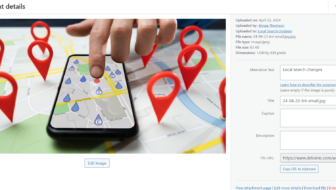
Are you making the most of your images on your WordPress site? You may know that it's a good idea to optimize your image sizes for performance, but did you know that you can search your media library for an image? Or that using Alt tags can help with ...
[Read more]
Updating the Publish Date on a Post
https://youtu.be/7ZS4NEGMk2M
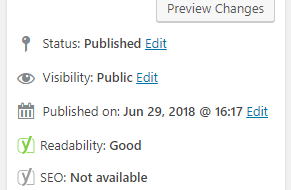
Sometimes you'll want to update your content in a WordPress post. When you do this, you'll also want to be sure to update the publish date, as well. WordPress makes this easy to do with these simple steps:
Edit ...
[Read more]
Using the Pullquote Block
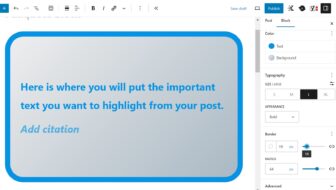
When writing a post or page, you might want to draw attention to a particularly compelling or important point with your viewers. You may have seen this type of text treatment on a newspaper or magazine website when they want to highlight an appealing ...
[Read more]
What Happened to View Post?
Updated November 18, 2022
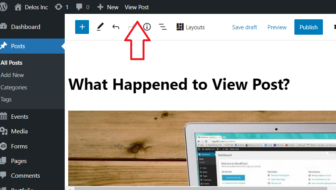
Have you wondered why the option to view your page or post is not visible all the time while you are editing? It seems like you have to take extra steps to view your page or post while you are in the editor.
When you ...
[Read more]