When you’re building a page or post in WordPress, you may want several blocks to behave like one section. The Group block lets you combine headings, paragraphs, images, buttons and other blocks so you can organize and style them together.
For example, you could group a heading, paragraph and button to create a callout section, then add a background color and spacing to the entire group instead of adjusting each block individually.
Add a Group Block
To add a new Group block:
- Click the Block Inserter (+).
- Search for Group and select it.
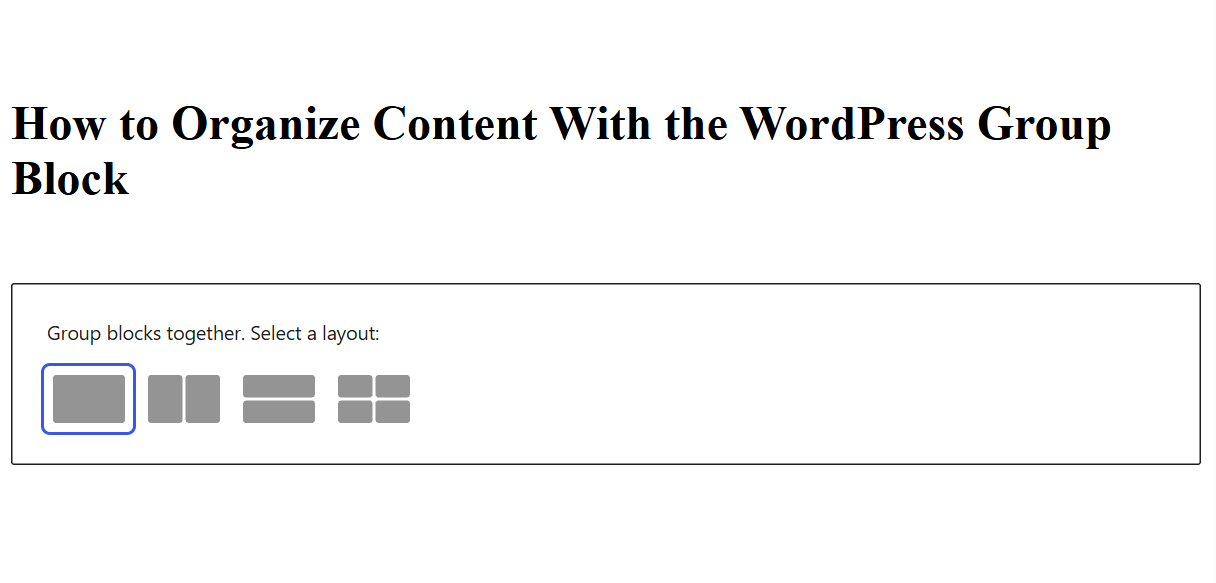
- Choose a layout: Group, Row, Stack or Grid.
- Use the + inside the Group block to add the content you want.
Group Blocks You Already Have
You don’t have to start with an empty Group block. If you’ve already created your content, select the blocks you want to combine and choose Group from the available options.
You can also select the blocks and use Ctrl + G on Windows or Command + G on Mac.
Once grouped, the individual blocks remain editable, but WordPress treats the Group block as the container around them.
Choose the Right Layout
WordPress gives you several variations of the Group block:
- Group is a flexible container for organizing multiple blocks into one section
- Row arranges blocks horizontally
- Stack arranges blocks vertically
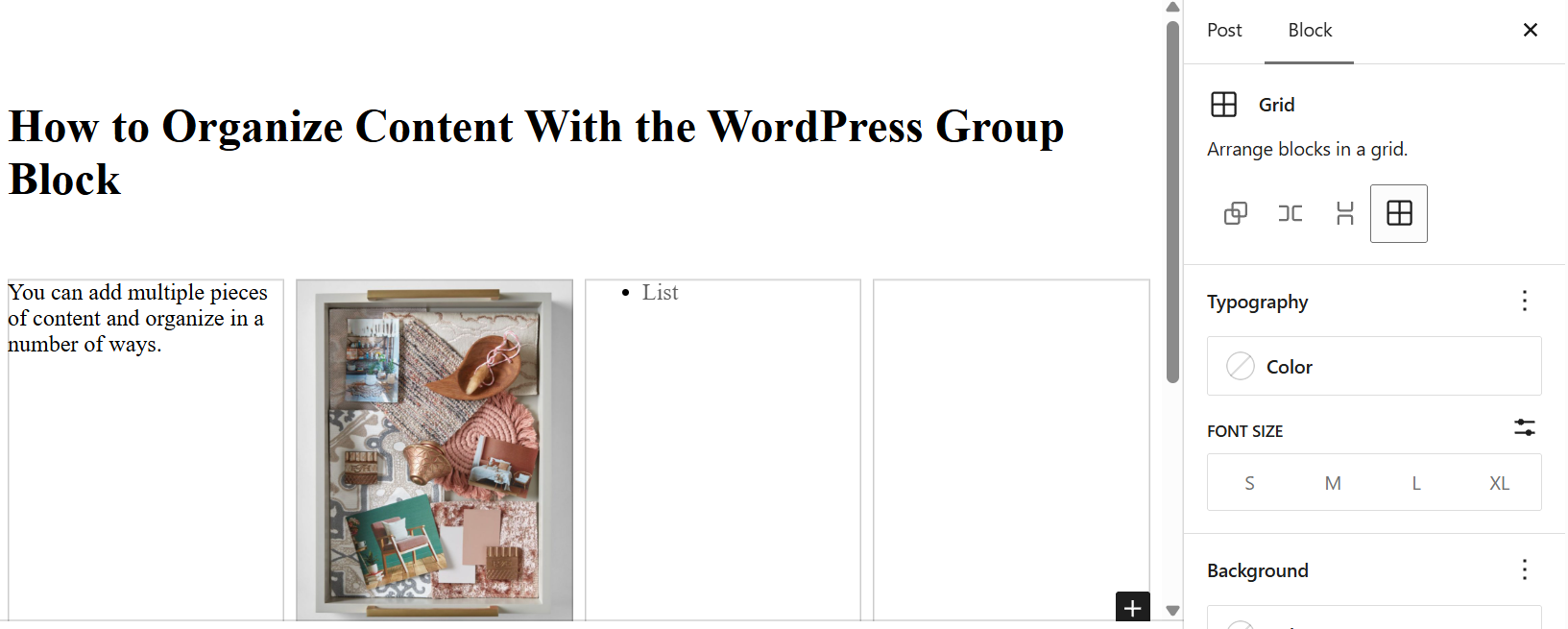
- Grid organizes content into a grid layout
You can switch between these layouts depending on how you want the content inside your group to appear.
Style the Entire Section
One of the biggest advantages of grouping blocks is that you can apply certain design settings to the entire section.
Depending on your WordPress theme, Group block settings can include:
- Background colors, gradients or images
- Padding and spacing
- Borders and rounded corners
- Typography
- Content width and alignment
- Link, button and heading styles
For example, if you want a section of your page to have a different background color, you can group the blocks in that section and apply the background to the Group block instead of styling each individual block.
Keep More Complex Pages Organized
Group blocks can also make pages with lots of content easier to manage. Instead of treating every heading, paragraph, image and button as a separate piece, you can organize related content into sections.
Think of the Group block as a container: the blocks inside it still have their own settings, while the Group block gives you additional control over how the section works as a whole.
Once you get comfortable using groups, they can be a simple way to build more structured WordPress layouts without needing custom code.